
Old photographs fail in specific ways. The damage isn’t uniform. Some have deep physical scratches and cracks from poor handling. Others suffer from fading, where colors and contrast simply vanish over decades. A different set of images is blurry or grainy, artifacts of low-quality scanning or early digital formats.
Choosing a tool based on a generic “best” label is a mistake. The correct choice depends entirely on diagnosing the primary defect. This guide matches six tools to six distinct problem categories.
1. Renew Photo
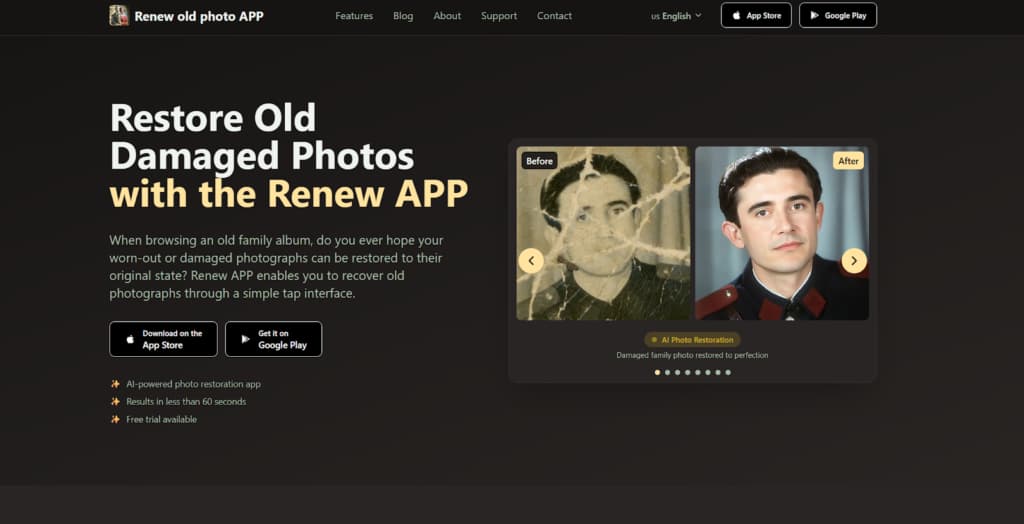
Renew Photo is engineered for structural repair. It’s the tool you need when the photographic print itself is materially damaged. Think of a portrait with a deep scratch across a cheek, or a picture cracked from being folded. This service treats the image as a damaged object. Its algorithm identifies surface interruptions such as scratches, stains, and cracks, then attempts to reconstruct them by sampling adjacent pixels. It’s a fundamentally different task than simply making a dull image brighter.
Structural Repair Focus
The process is automatic but targeted. It prioritizes mending the physical integrity of the image plane before anything else. Tonal restoration works to stretch the remaining contrast in faded areas, trying to recover depth that was lost to time.
Its core competency is handling material decay:
- Removal of visible scratches and surface noise;
- Reconstruction of damaged tonal regions;
- Restoration of faded contrast and balance;
- Optional colorization for monochrome originals.
It delivers strong results on isolated, clear damage. The logic falters with complex natural textures. A detailed tweed jacket or a leafy tree can confuse the patching algorithm, resulting in weird, repetitive patterns. Large missing sections are a bigger problem.
2. RetroFix
RetroFix is built for speed, not precision. Use it when a photo isn’t critically damaged but just looks old and tired. You need it to look better for a digital slideshow or to send to family, and you need it done immediately. This isn’t restoration in an archival sense. It’s a one-click visual enhancement that applies a standard set of global adjustments. It’s about instant appeal with zero effort.
Automated One-Click Improvements
The software makes broad, uniform changes. It doesn’t analyze specific defects. It just makes everything brighter, sharper, and more colorful according to a fixed recipe. There are no sliders, no manual tuning.
You can reliably expect this set of automated edits:
- Global brightness and contrast adjustments;
- General sharpening across the frame;
- Fast automatic colorization;
- One-step processing with no manual tuning.
You get a livelier image in seconds. The cost is accuracy. Over-smoothing is typical, especially on skin, which can take on a plastic, airbrushed quality. Automatic colorization is unpredictable and may turn a grey military uniform blue or make the sky an unnatural violet. Fine details are often lost.
3. Nero AI
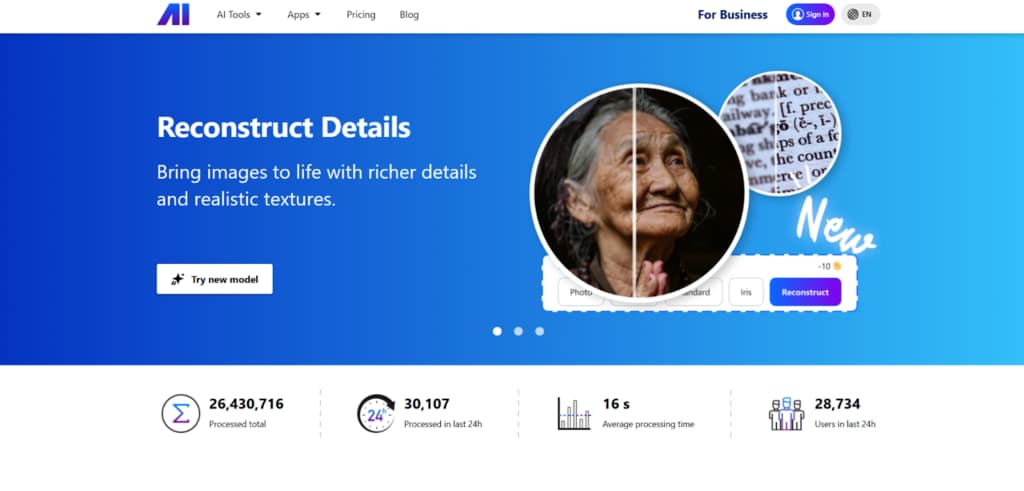
Nero AI is for complex, multi-issue photos. The image might have both physical scratches and digital noise, or severe fading and soft blur. This tool uses a more aggressive model that combines repair with intensive quality boosting. It tries to do everything in one pass: clean defects, correct color, and sharpen details. It’s a heavy-duty option for photos in genuinely poor condition.
Combined Repair and Enhancement
The AI doesn’t just fix; it actively rebuilds and enhances. This can rescue a very degraded image, making it clearer and more vibrant. But the process fundamentally alters the source material. The output often looks more like a modern reinterpretation than a preserved original.
Its processing applies a powerful, combined effect:
- Automatic scratch and defect removal;
- AI-based color correction and contrast balancing;
- Sharpening and detail enhancement;
- Broad application across different defect types.
The major risk is overprocessing. The algorithm can strip away all natural grain and texture, leaving surfaces looking unnaturally smooth and synthetic. Faces might gain a waxy, doll-like appearance. According to our analysts, it’s effective when your goal is maximum clarity and impact, not faithful conservation.
4. AIEnhancer
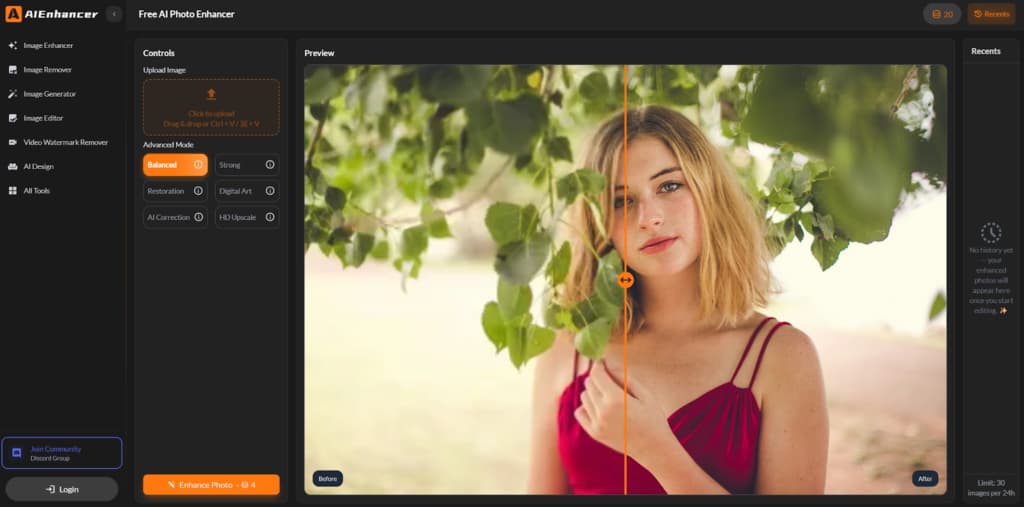
Choose AIEnhancer for a specific technical problem. The photo has no major physical damage. The issue is in the digital file quality: excessive grain, soft focus, muted colors. This free web service is specialized for clarity enhancement. It focuses on suppressing noise, sharpening blurred details, and rebalancing tones. It’s a fix for weak scans, not for damaged keepsakes.
Clarity And Texture Enhancement
The tool applies targeted filters for digital cleanup. It works at the pixel level to reduce noise and accentuate edges that have been softened. The goal is a cleaner, sharper version of the existing image without attempting deep structural repairs.
Its function set is precisely defined:
- Noise reduction and grain suppression;
- Detail enhancement in soft regions;
- Automated color and contrast balance;
- Fast browser processing without install.
It performs well within its narrow scope. Its critical limitation is physical damage. A scratch or a water stain will pass through the processing almost completely unchanged, perhaps just slightly less obvious. It’s simply not built for that kind of work.
5. PhotoBooth
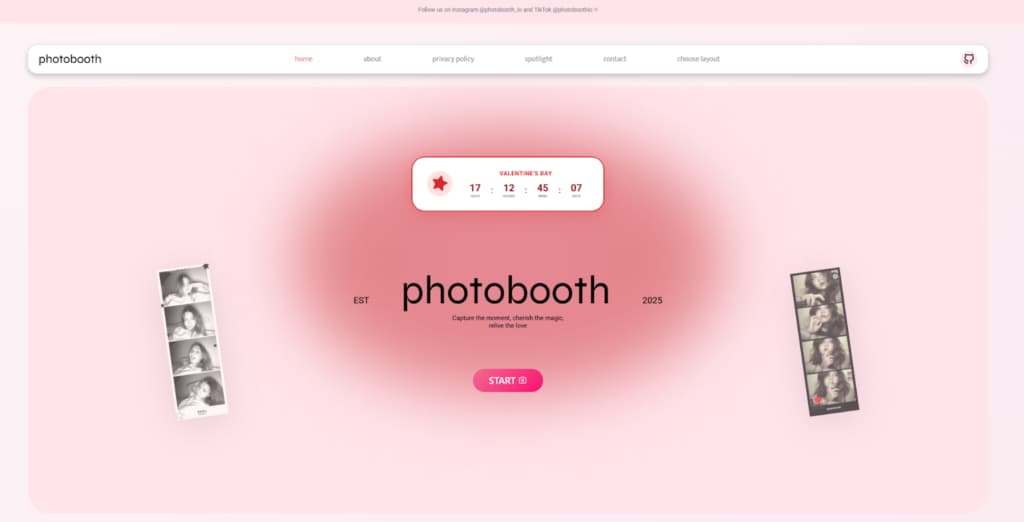
PhotoBooth is the definition of a lightweight fix. It is intended for photos with minimal issues such as slight overall fading, light dust, and general dullness. You want to brighten it up directly in your web browser with no downloads, accounts, or learning curve. This free tool offers the most basic tier of automated correction. It’s a quick polish and nothing more.
Lightweight Browser-Based Restoration
The adjustments are elementary and broad. The software gives the image a slight contrast boost, reduces visible dust specks, and maybe adds a hint of color vibrancy. Processing is instant because the changes are so superficial.
Its capabilities are strictly for cosmetic maintenance:
- Basic repair of faded and worn images;
- Automatic smoothing of blemishes;
- Simple upload-and-download workflow;
- Output ready for screen viewing.
It is completely unequipped for any real damage. A crack or a large stain will remain fully visible, maybe just a tiny bit softer. Honestly, it’s only useful for giving a decent photo a minor lift for viewing on a monitor. For anything substantive, you must look elsewhere.
6. ImageColorizer
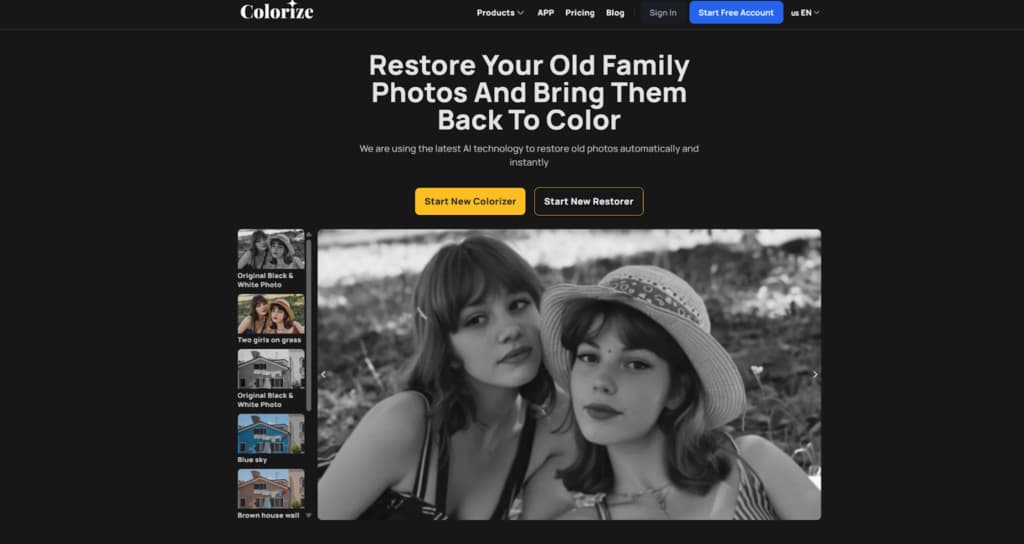
ImageColorizer specializes in color. Its primary function is adding plausible, naturalistic color to black and white photos or restoring faded tints in color images. It’s less about repairing physical defects and more about reviving the tonal and chromatic life of a photograph. The algorithm is trained to recognize objects and apply context-aware colors such as blue for the sky, green for grass, and realistic skin tones.
Color Focused Restoration
The tool analyzes the image for semantic content before applying color. It tries to understand what it’s looking at. This allows for more believable results than a simple color wash. It also works to stretch faded color channels to recover some of the original vibrancy.
Its strengths are in tonal and chromatic recovery:
- Natural-looking AI colorization;
- Faded tint and contrast recovery;
- Enhancement of facial tones;
- Suitable for black-and-white originals.
It is not a general-purpose repair tool. A scratch on a black and white photo will likely remain after colorization, now just colored in. Its value is singular: bringing believable color back to monochrome or faded images where that is the sole or primary problem.
Final Takeaways
Forget finding a universal winner. The choice is diagnostic. Look at your photo and identify the single biggest issue. If the photo has physical damage such as scratches, tears, or stains, use Renew Photo. For a fast overall visual refresh of a dull image, RetroFix works. When a photo has multiple, severe quality issues and needs heavy combined processing, consider Nero AI.
If the main problem is digital noise and softness in a scan, AIEnhancer targets that. For the most basic brightening and dust removal in a browser, PhotoBooth suffices. And if the goal is specifically to add or restore believable color, ImageColorizer is the specialist. Match the tool to the defect. Anything else is guesswork.