
Keeping SQL Server stable requires more than scheduled backups. It involves regular monitoring, query optimization, and task automation. Built-in utilities handle basic needs. For multiple servers or complex performance problems, you need more capable software.
The following options represent leading tools for various maintenance challenges. Whether you need broad oversight or a specific solution, they can streamline your process.
Top 7 MSSQL Tools for SQL Server Maintenance Tasks
These tools were picked because they cover the essentials—watching performance, diagnosing issues, and automating tasks. You’ll find a range from full platforms to free utilities.
1. dbForge Studio for SQL Server
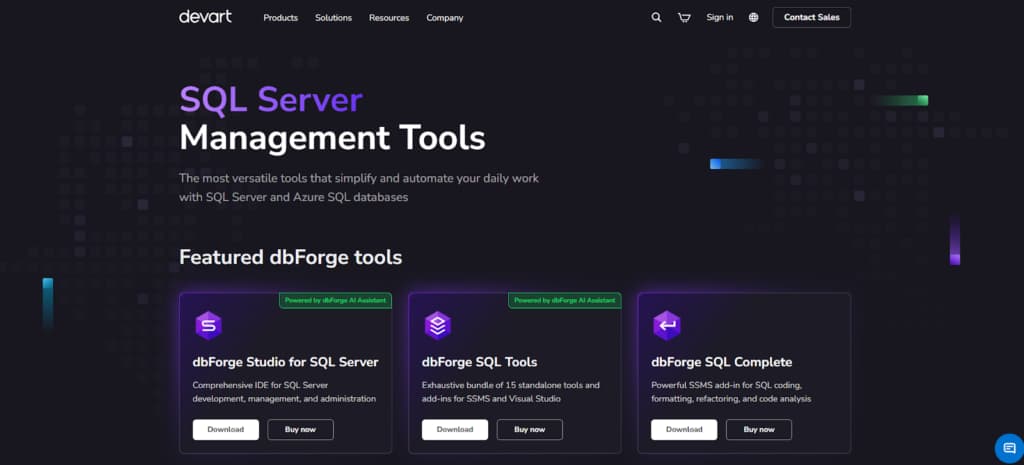
dbForge Studio is a powerhouse among MSSQL tools, acting as a unified workspace for SQL Server users—both on-premises and Azure.
It consolidates development, scripting, tuning, and administration tasks that usually require separate programs. Having everything in one application reduces constant switching and lets you focus on the work itself, not the toolset.
Key Services:
- Smart editor, visual query builder, and T-SQL debugger.
- Compare and sync database schemas and data.
- Manage backups, security, and analyze performance.
- Generate test data and handle import/export.
- Command-line, DevOps, and Git integration.
Why Choose It
Choose dbForge Studio to replace multiple separate tools with a single, unified environment for the entire database workflow. It’s efficient, reduces context-switching, and is especially useful for teams that manage many databases or handle frequent deployments between development and production.
2. Redgate SQL Monitor
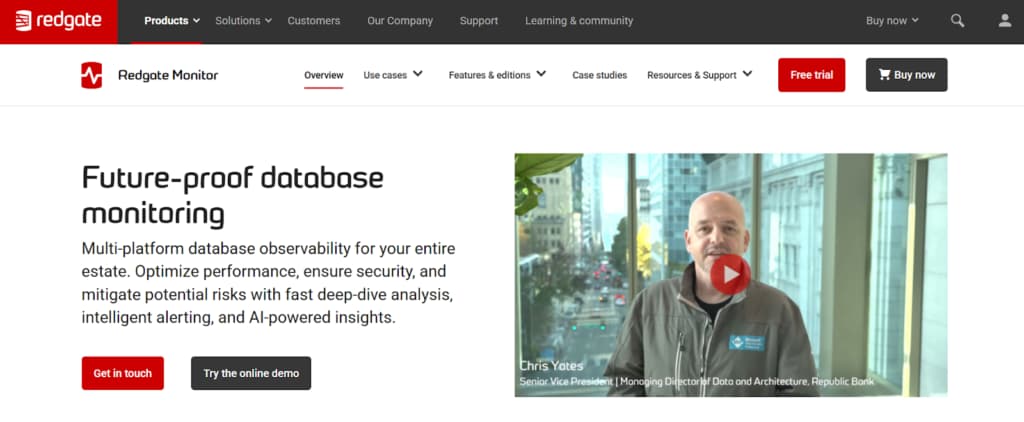
Redgate Monitor is a specialized web tool for performance monitoring of SQL Server and PostgreSQL. It enables proactive management by offering a centralized dashboard that displays both real-time status and historical trends across the database environment.
Crucially, it uses an agentless architecture, connecting directly to servers via standard protocols without installing software on them.
Key Services:
- Live tracking of server and database performance.
- Proactive alerts when metrics cross limits.
- Deep analysis to find the cause of slowdowns.
- Historical trends for forecasting and planning.
- Manages on-premises and cloud servers together.
Why Choose It
Select Redgate Monitor if you want to move from reactive database fixes to proactive performance management. It works for teams with a large number of servers or plans for growth. It serves as a single source for monitoring health.
3. SolarWinds Database Performance Analyzer
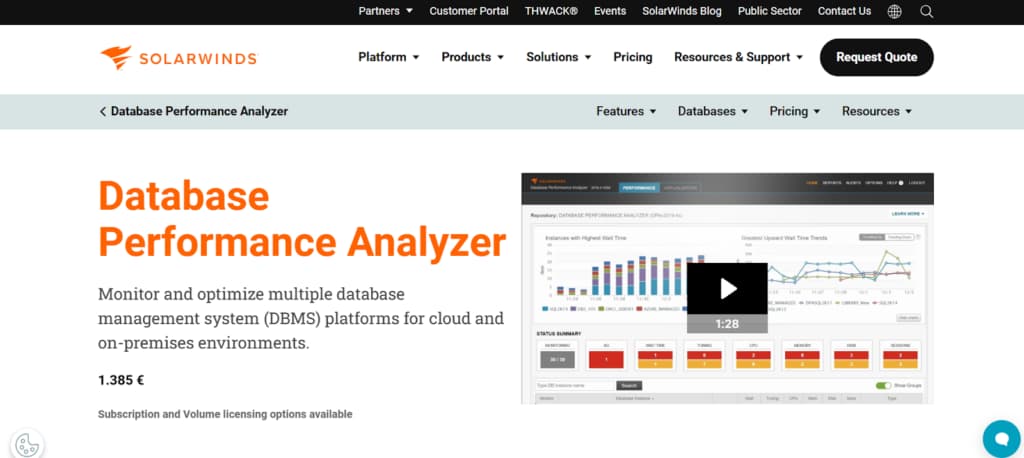
SolarWinds Database Performance Analyzer (DPA) is designed to increase database performance across platforms. It focuses on query response times and wait statistics to pinpoint slowdowns, rather than merely displaying resource usage.
The tool works with SQL Server, Azure SQL, Oracle, MySQL, and others, giving a consolidated performance view for diverse setups.
Key Services:
- Analyzes query and transaction response times.
- Monitors multiple database platforms in one view.
- Detects anomalies using wait stats and machine learning.
- Offers specific tuning recommendations.
- Identifies blocking and deadlock problems.
Why Choose It
Select DPA when the goal is to go beyond simple server monitoring and understand real application performance from the user perspective. Its main approach tracks response times.
This is useful for supporting important applications where slow database response affects daily work. It provides consistent performance information in multi-platform setups from a single interface.
4. Idera SQL Diagnostic Manager
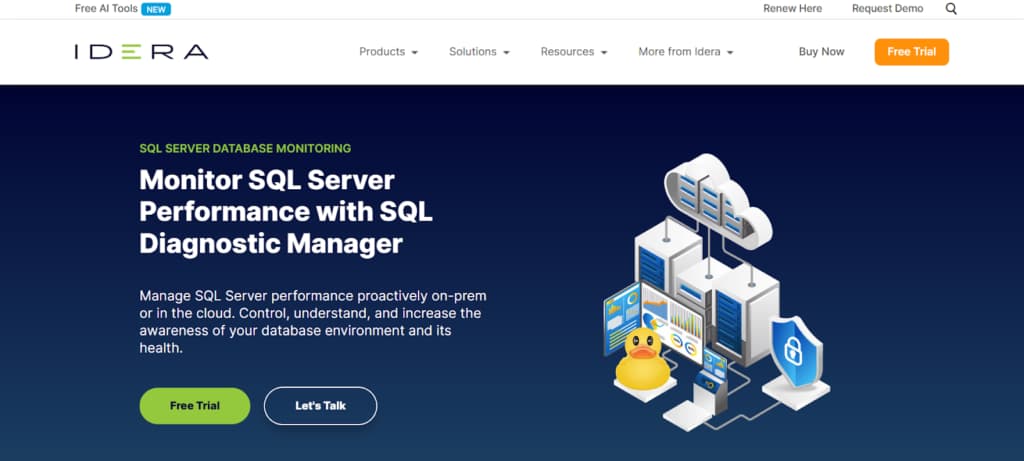
Idera SQL Diagnostic Manager is an all-in-one solution for Microsoft SQL Server performance monitoring and diagnostics. It includes real-time monitoring, deep analytics, and adjustable alerts within one console. Access is available on desktop, web, or mobile devices.
Key Services:
- Constantly monitors instance health and performance.
- Pinpoints causes of slow queries and blocking.
- Custom alerts and reports from a central dashboard.
- Uses historical trends for capacity planning.
- Enterprise-ready with integrations and mobile access.
Why Choose It
Use Idera SQL Diagnostic Manager when working exclusively with SQL Server and looking for a robust monitoring solution. Designed by SQL Server professionals for database administrators. Delivers targeted diagnostics without support for non-SQL Server systems.
It supports enterprise needs with consistent scaling, alert routing to IT management systems, and remote status viewing.
5. ApexSQL Monitor
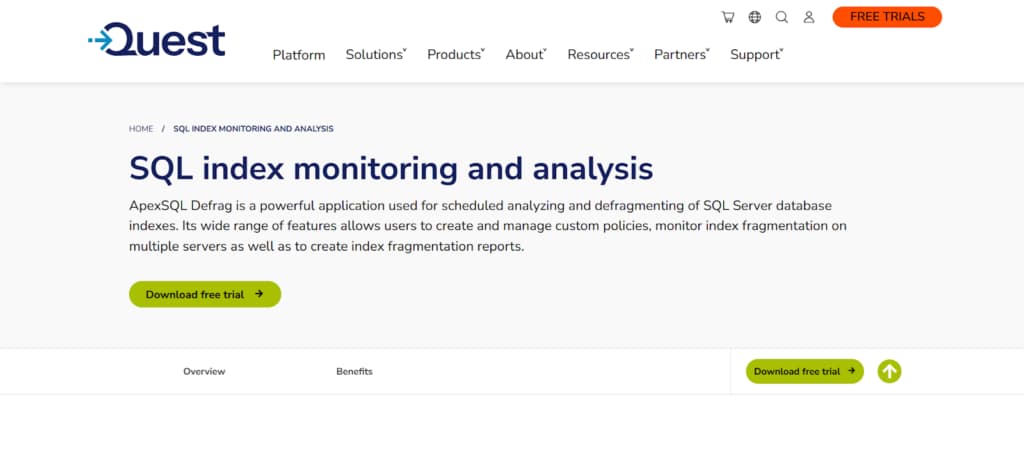
ApexSQL Defrag is a specialized, single-purpose tool focused entirely on SQL Server index maintenance. It’s designed to solve one specific and critical performance problem: index fragmentation.
The tool automates the entire workflow of analyzing fragmentation across servers and databases, then safely rebuilding or reorganizing indexes based on customizable policies.
Key Services:
- Scans and measures index fragmentation levels.
- Automatically rebuilds or reorganizes fragmented indexes.
- Creates scheduled maintenance policies.
- Central console for multi-server management and reporting.
Why Choose It
Choose ApexSQL Defrag when your primary performance bottleneck or maintenance overhead is related to index fragmentation.
It’s the right tool for environments with high data volatility where indexes degrade quickly, and for teams that want to eliminate the manual scripting and scheduling of index maintenance jobs. It brings precision and automation to a routine but vital task.
6. Brent Ozar First Responder Kit
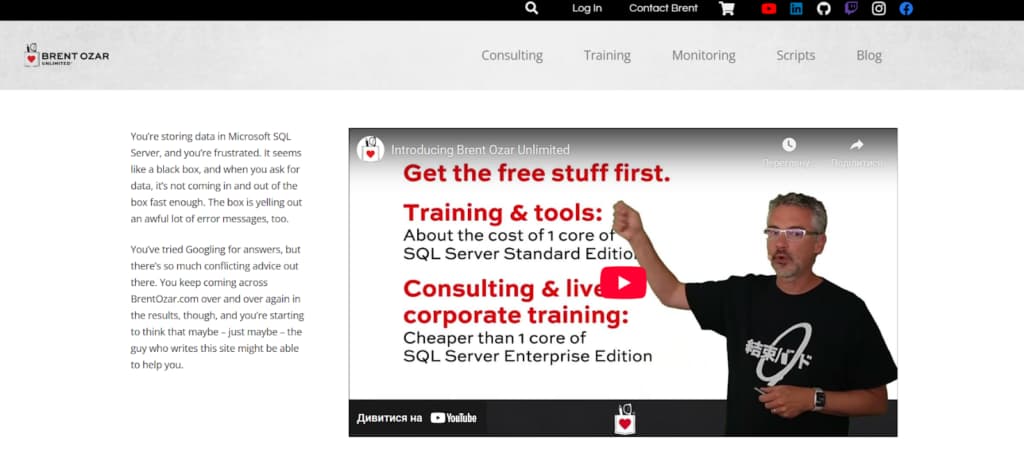
The Brent Ozar First Responder Kit isn’t a traditional software tool with an interface. It’s a free, open-source collection of T-SQL stored procedures that you run directly in SQL Server Management Studio (SSMS). It’s built for one scenario: when something is wrong right now, and you need immediate, clear diagnostics to point you toward the root cause.
Key Services:
- Overall server health and configuration check.
- Live performance and wait statistic sampling.
- Identification of the most costly queries.
- Analysis of index fragmentation, duplicates, and missing indexes.
- Real-time view of active processes and blocking chains.
Why Choose It
Choose the First Responder Kit when you need instant, no-installation diagnostics during a performance crisis. It’s the DBA’s equivalent of a first-aid kit—free, reliable, and designed to give you fast answers about whether the problem is queries, indexes, waits, or configuration.
7. SentryOne SQL Sentry
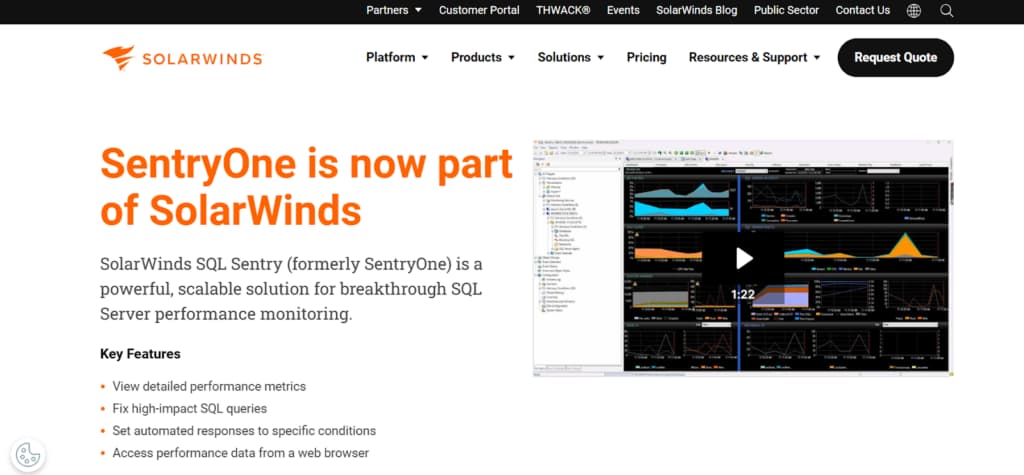
SolarWinds SQL Sentry is a monitoring and diagnostics tool built for complex SQL Server and Azure SQL systems. It delivers detailed, real-time visibility across the entire performance stack, from hardware metrics to query execution, through a unified web interface.
Key Services:
- Real-time monitoring of CPU, memory, I/O, and queries.
- Deep diagnostics for queries, waits, blocking, and deadlocks.
- Predictive alerts and storage forecasting.
- Unified web dashboard for full visibility.
- Extended support for SSAS and other workloads.
Why Choose It
Pick SQL Sentry for enterprise-level oversight of complex SQL Server environments. It offers detailed monitoring, powerful diagnostics, and reliable alerts, going beyond basic tools to help teams proactively ensure performance and reliability for critical applications.
What Good MSSQL Maintenance Tools Should Provide
Pick DPA to move past basic server stats. It focuses on user-side response times, which are key for protecting critical apps from slowdowns. It delivers this view consistently, even across mixed database platforms.
Essential features in a solid maintenance tool:
- Real-time CPU, memory, I/O, waits, sessions, blocking monitoring;
- Historical data for trends, comparisons, and capacity planning;
- Alerts for failed jobs, missed backups, low disk, and slow performance;
- Analysis of slow, costly, or frequent queries;
- Index fragmentation overview with maintenance recommendations.
- Deadlocks, blocking, and long-running sessions tracking;
- Multi-server, multi-environment single view;
- Schema and data comparison tools;
- Automation and scheduling of routine tasks;
- Version control and DevOps integration;
- Fast diagnostics to identify root causes (config, queries, indexes, resources).
Tools that put monitoring, diagnostics, and maintenance tasks in a single interface cut down manual effort and help keep SQL Server environments consistent and easier to handle.
Conclusion
Keeping SQL Server running well isn’t a single job—it’s several. The right tools automate the routine work, help you find problems faster, and give you a clearer view of what’s happening. This lets you focus on bigger improvements.
Your choice will depend on your budget and setup, but this kind of software is a necessary investment for any stable, performant database system.